Guardians Portal: Viewing Student Information
This guide explains how to access and view detailed information about your student(s) in the Guardians Portal.
Accessing Student Profiles
- Log in to the Guardians Portal.
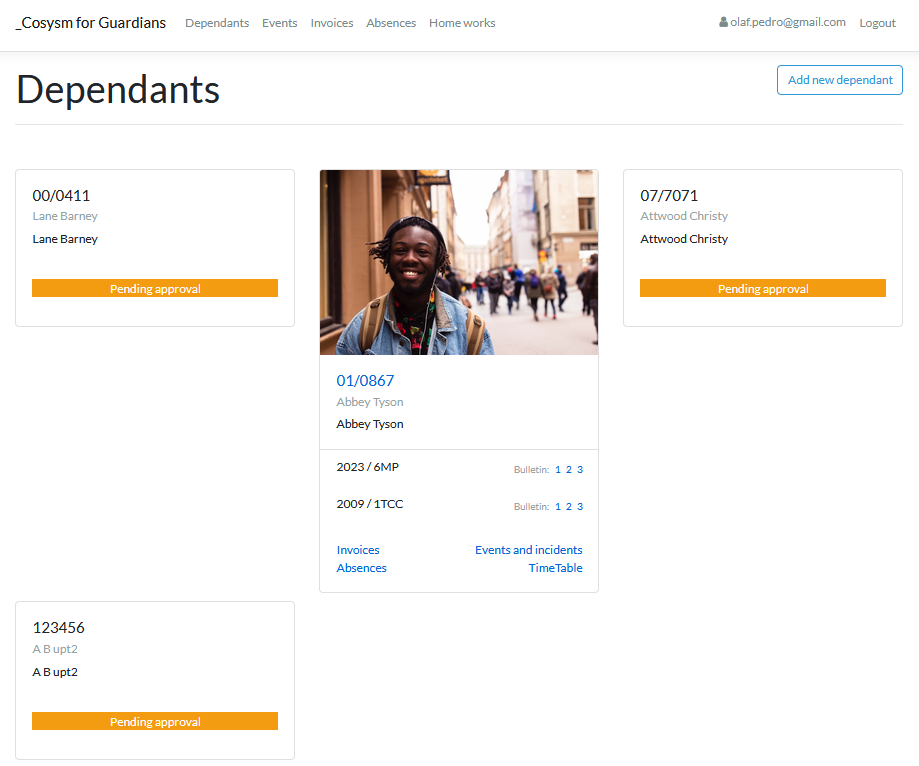
- Navigate to the "Students" section, usually accessible from the main menu or the dashboard. If you have multiple students, you might see a list first.
- Select the student whose information you want to view.
Viewing Student Details
The student profile page typically contains several sections:
- Personal Information: Name, date of birth, class, etc.
- Contact Information: Addresses, phone numbers (may be restricted).
- Academic Information: Current grades, attendance summary, timetable.
- Related Sections: Links to detailed views for Absences, Grades, Invoices, etc.
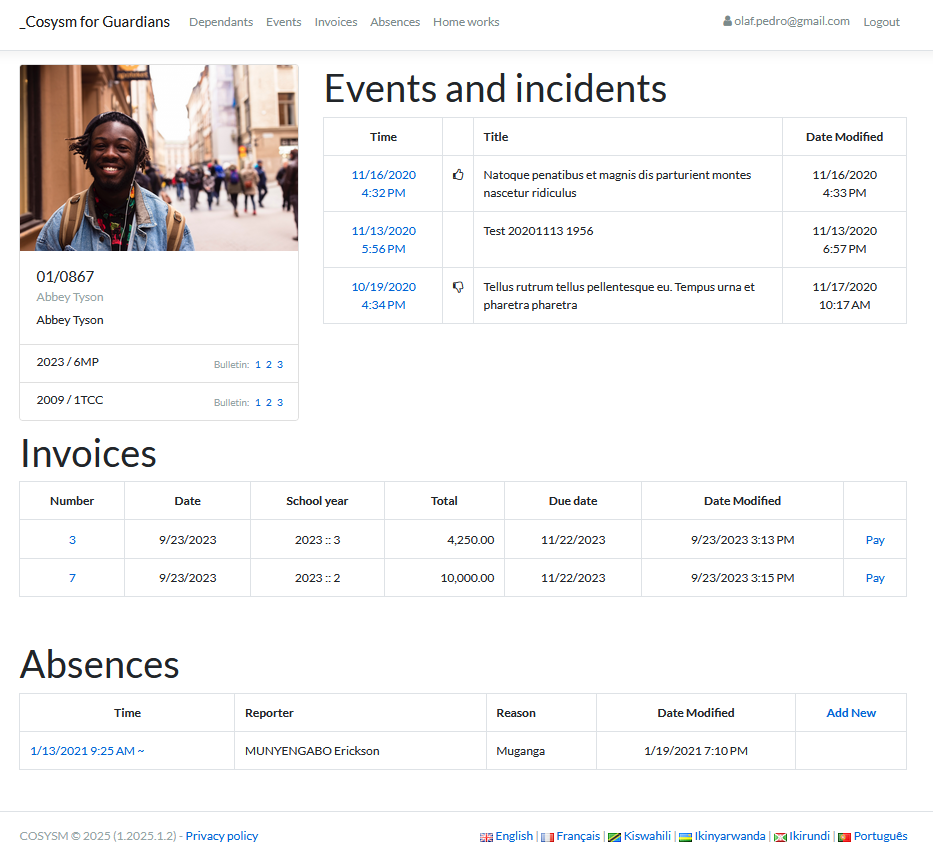


Explore the different tabs or sections on the profile page to find the specific information you need. The exact layout may vary.