Guardians Portal: Dashboard Overview
This guide provides an overview of the main dashboard in the Guardians Portal.
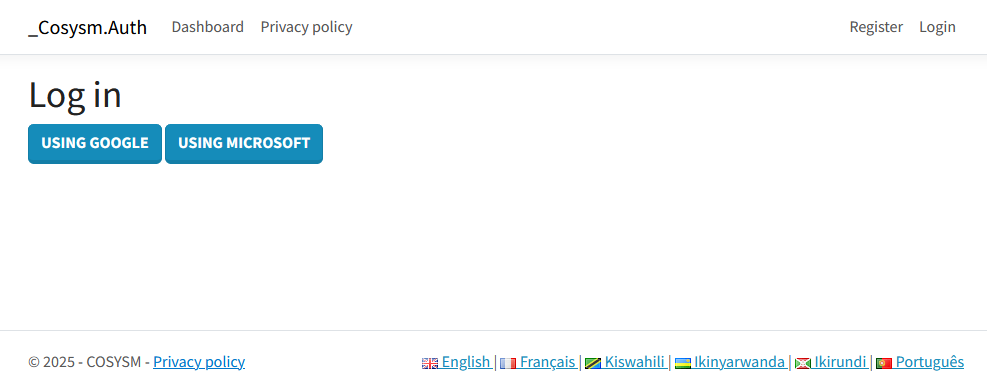
Logging In
- Navigate to the portal's login page.
- Enter your credentials (username/email and password).
- Click the "Login" button.
Dashboard Sections
Once logged in, you will see the main dashboard. It typically includes:
- Student Overview: A quick summary of your associated students.
- Recent Activity: Updates on recent events, absences, or grades.
- Upcoming Events: A calendar or list of important dates.
- Quick Links: Access to frequently used sections like Absences, Grades, or Invoices.
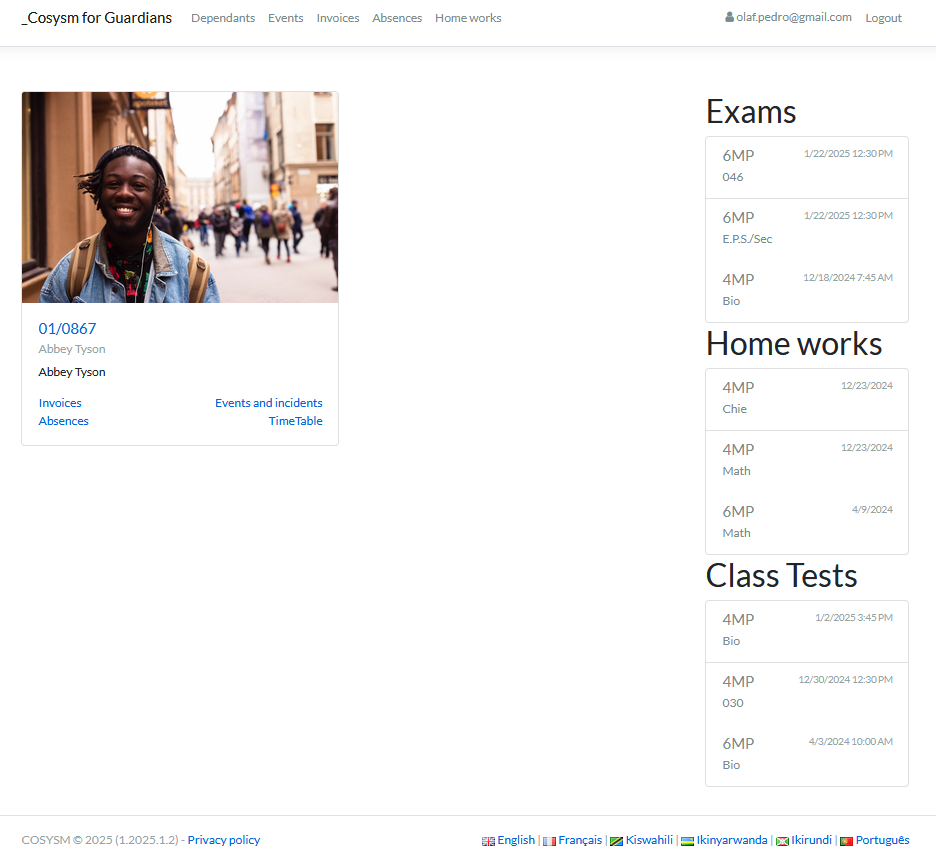
This dashboard serves as your central hub for accessing all information related to your students' school activities.